Funnel overview
Funnels help you arrange multiple pages into a journey: introduce content, collect information, present products, accept payment, and take customers to a thank-you page.
Open the Funnels area
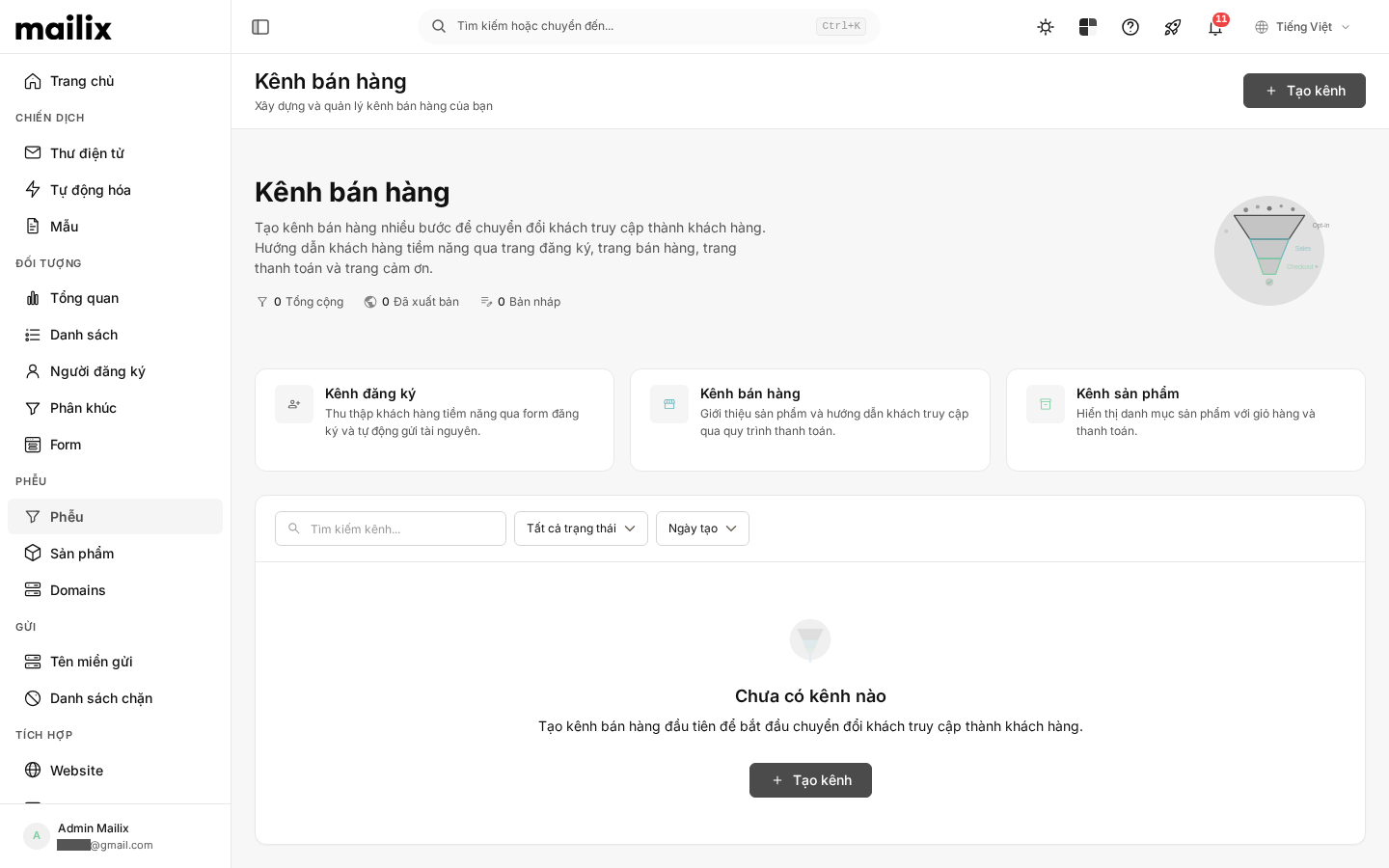
From the navigation bar, select Funnels. The list page displays each Funnel's name, number of steps, number of products, status, and creation date. You can search, filter by status, and sort the list.
What does a Funnel contain?
| Component | Purpose |
|---|---|
| Step | A page in the journey, such as a signup, survey, sales, or thank-you page. |
| Product | An item attached to a sales, product details, upsell, or downsell step. |
| Survey | A step that contains questions and saves visitors' answers. |
| Domain | A custom address used to open the Funnel instead of Mailix's default address. |
| Post-sale fulfillment | Issue keys, send email, or notify another system after an eligible transaction. |
| Reports | Aggregate views, unique visitors, conversions, purchases, and order value. |
Products are managed in the shared catalog and then attached to the appropriate steps. A survey belongs directly to a Survey-type step. Therefore, deleting a step and deleting a product are two different actions.
Draft and Published
A new Funnel has a Draft status. After publication, customers can open the Funnel at its public address. Each step also has its own publication status; a published Funnel still needs at least one published step to have an active starting page.
Preview lets you check a step without making the entire Funnel public. It is not proof that the public address is active.
Basic journey
A common workflow is:
- Create a Funnel from a template or start with a blank Funnel.
- Add and design the steps.
- Attach products or create a survey if needed.
- Set up payment methods and post-sale fulfillment for a sales flow.
- Publish the Funnel.
- Connect a custom domain if desired.
- Monitor activity under Reports and Sales.
Public address
Mailix provides a default address for the Funnel. When a custom domain has completed both DNS verification and activation setup, the Funnel prioritizes that address. A Funnel domain serves web pages only; it is not a Sending Domain or an email tracking domain.
What to prepare
To let customers complete the journey, check that:
- the Funnel is published;
- there is a published starting step;
- content and links between steps work;
- a sales step has an active product;
- the payment method is ready if you collect payments;
- post-sale fulfillment is configured if content or keys must be delivered.
Some areas may not appear if your account lacks the appropriate permission or the feature is not enabled.