Add a Subscriber Manually
You can add individual subscribers directly in Mailix. This is useful when you have only one or a few contacts and want to review each record.
When should you add a subscriber manually?
Use manual entry when you want to:
- Add one contact to a list.
- Enter subscriber information on screen.
- Check every field before saving.
If you already have many contacts in a file, use the subscriber import feature instead.
Open the add-subscriber form
You need at least one list before adding a subscriber.
Open:
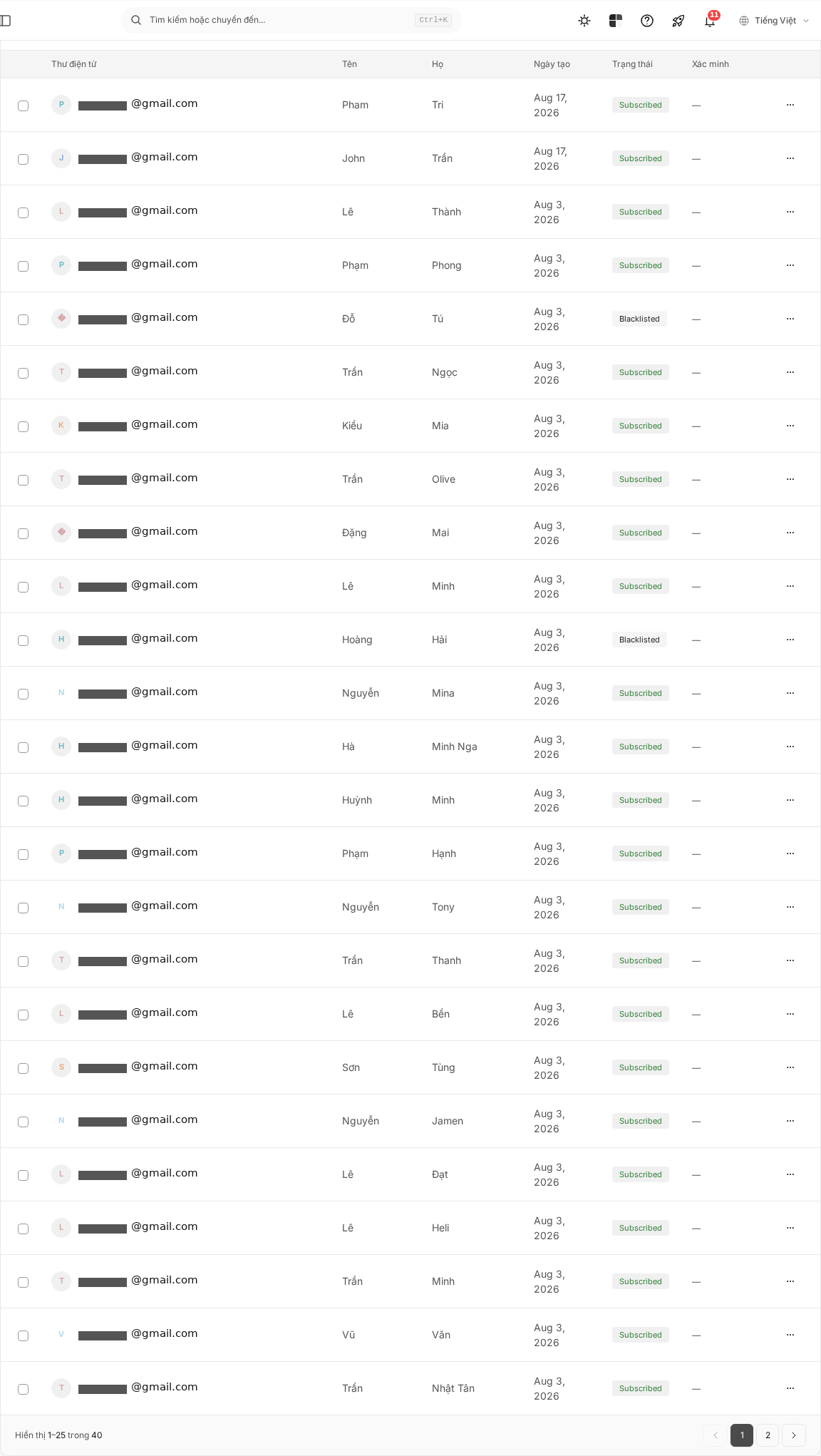
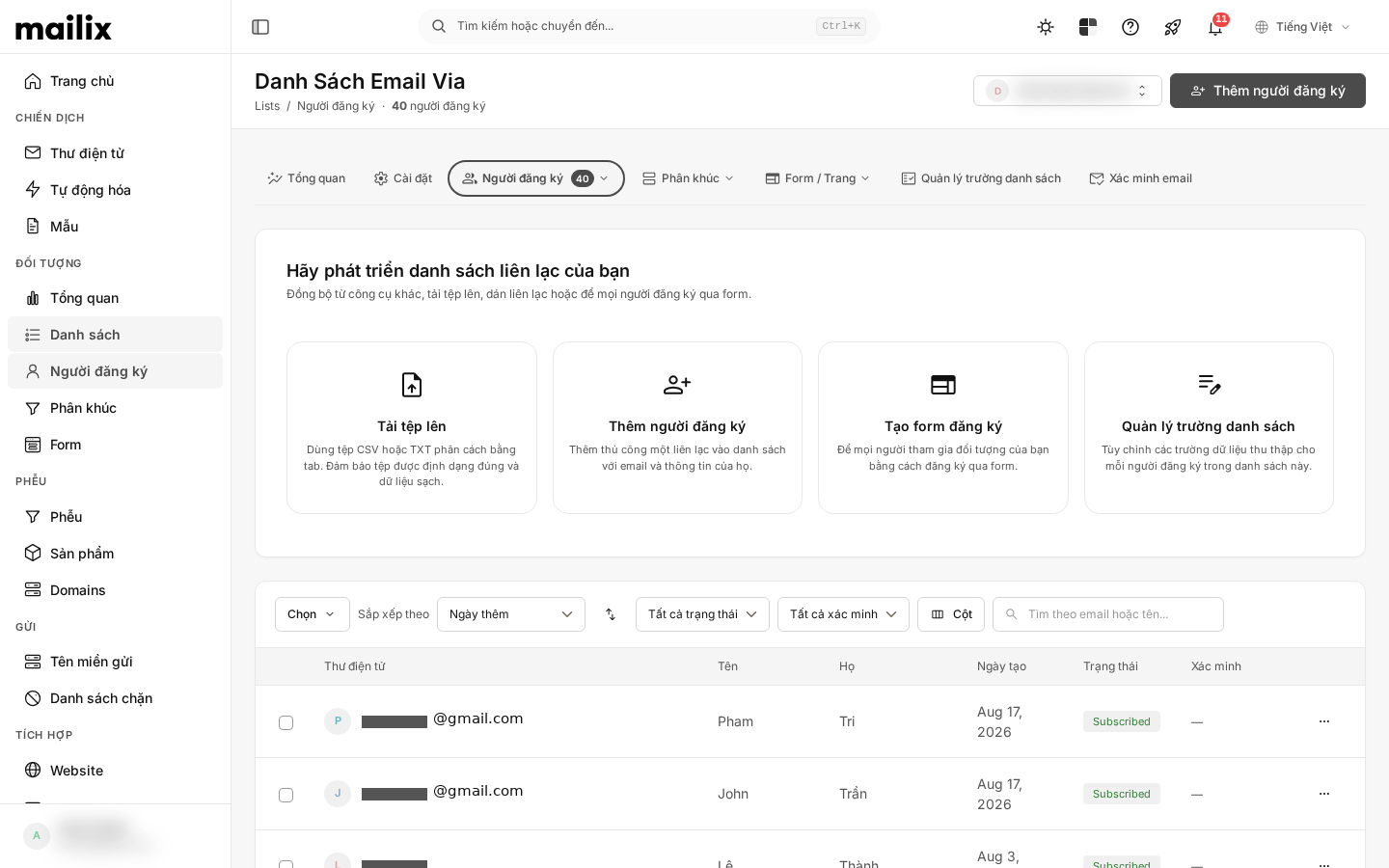
Audience → Lists → select a list → Subscribers → Add Subscriber (Đối tượng → Danh sách → mở danh sách → Người đăng ký → Thêm người đăng ký)
You can also choose the add-subscriber action from the list overview.
On the Subscribers page, select Add Subscriber (Thêm người đăng ký).
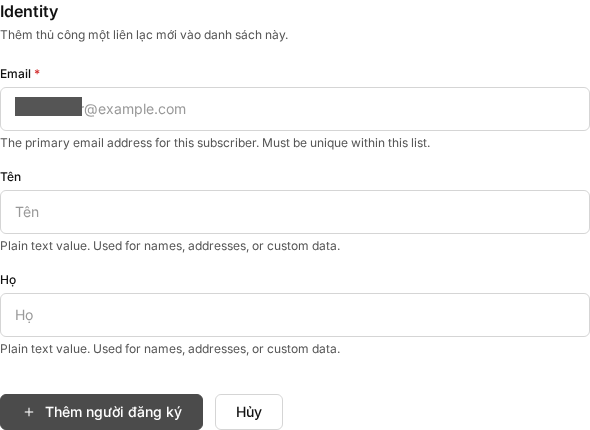
Step 1: Enter the email address
Enter the email address of the person you want to add. This field is required.
The address must:
- Use a valid format.
- Not already exist in the list you opened.
- Not be in a blocklist currently applied to the account.
Check the address carefully before continuing. This action does not update an existing subscriber in the same list.
Step 2: Enter subscriber information
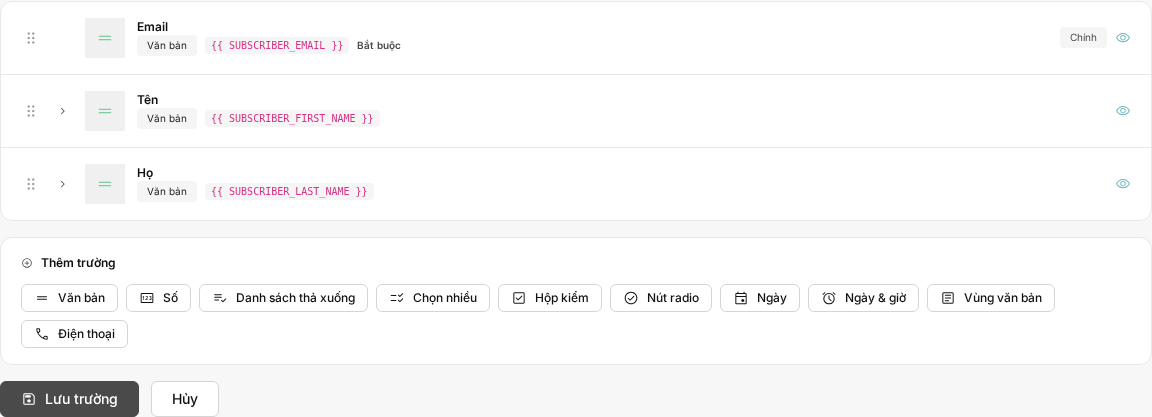
Complete the other fields shown on the form. Fields are configured per list and may differ between lists.
You may see text, number, date/time, phone, long-text, or predefined-choice fields. Some fields allow one or multiple values.
Fields marked as required must be completed before saving. A field with a configured default may already contain a value.
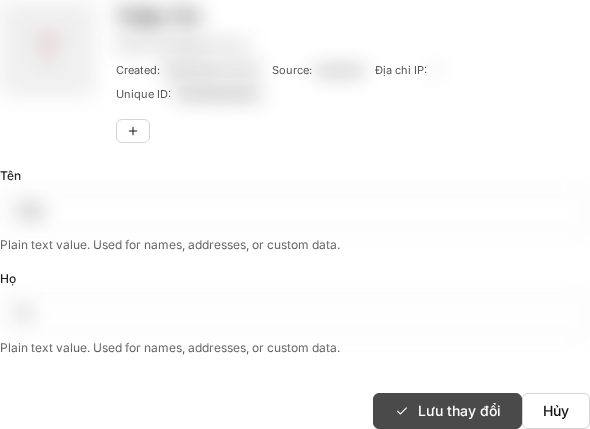
Depending on system configuration and enabled features, the form may show additional advanced fields.
Step 3: Confirm consent when required
Some accounts show a consent confirmation checkbox for receiving email. If it appears, read the text and select the checkbox before saving.
If the form does not show this checkbox, no additional action is needed for this step.
Step 4: Save the subscriber
After reviewing the information, select Add Subscriber to save.
On success, Mailix returns you to the list's Subscribers page and shows a success message. The new subscriber has Subscribed status (Đã đăng ký).
Status and automated email
Manual entry does not provide a status selector. The subscriber is created with Subscribed status.
Manual entry does not send a subscription-confirmation email, even when double opt-in is enabled for the list.
If the list has welcome email enabled, the new subscriber receives that message after the add operation succeeds.
If the email already exists
When the address already exists in the same list, Mailix does not create another record or overwrite the existing information. Open the existing subscriber if you need to make a change.
An address can still be added to another list. Its presence in a different list does not prevent adding it to the current list.
When a subscriber cannot be added
Saving may fail when:
- the email is missing or invalid;
- the email already exists in the current list;
- a required field is empty;
- the email is in an applied blocklist;
- the account or list has reached its subscriber limit;
- your account lacks permission to add subscribers to this list; or
- required consent was not confirmed.
Read the message on screen, correct the requested information, and save again. For plan limits or permissions, contact your account administrator.
Notes
- The manual-add form does not offer tag assignment during creation.
- Fields other than email depend on each list's configuration.
- Manual entry and import are separate workflows; import rules do not automatically apply to manual entry.
Frequently asked questions
Why cannot I add an email?
Check the email format, required fields, and message shown on screen. A duplicate address, blocklist entry, plan limit, or account permission can also prevent saving.
What happens if the email is already in the list?
Mailix does not create another subscriber or overwrite the existing record. Open that subscriber to edit it.
Can one email be in multiple lists?
Yes. An address already present in another list can also be added to the current list.
Why do I see fields besides email?
Each list can define its own fields for storing additional subscriber data. Complete every field marked as required.
Does manual entry send a confirmation email?
No. A manually added subscriber is created with Subscribed status and does not receive a subscription-confirmation email from this action.
Will a new subscriber receive a welcome email?
Yes, when welcome email is enabled in the list settings. When it is disabled, Mailix does not send a welcome email.
When should I import instead of adding manually?
Use import when you have many contacts in a file. Manual entry is better when you want to enter and review each contact individually.