Manage your subscription plan
The subscription page brings together the current plan, term, entitlements, credits, renewals, and related invoices.
Open the subscription page
Open Account settings → Subscription. If the account does not have a plan, Mailix takes you to the plan selection page.
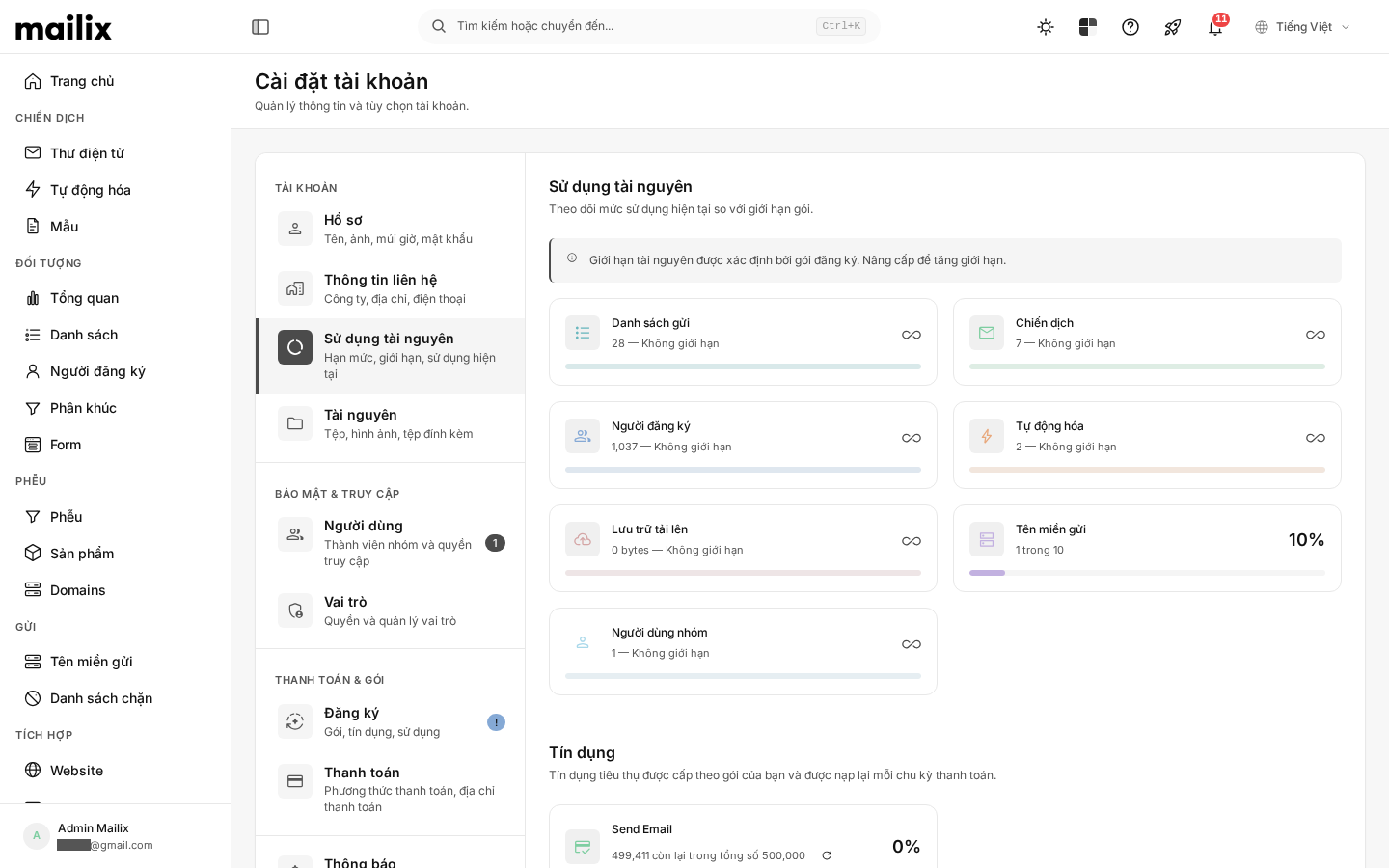
Information displayed
Depending on the plan type, you may see:
- the plan name and price;
- billing period;
- start date, expiration date, or next renewal;
- subscription status;
- entitlements and credits;
- automatic renewal status;
- invoices for activation, renewal, or plan changes.
The price and billing period come from the currently offered plan. This documentation does not specify a fixed price.
Select a new plan
- Select an available plan.
- Check the price, billing period, and trial period if available.
- Enter billing information.
- Select an offered payment method.
- Complete the confirmation.
A free plan can be activated without payment. For a paid plan, when it becomes active depends on whether the invoice is successfully paid or confirmed.
Invoice statuses
An invoice may be awaiting payment, being verified, paid, declined, or canceled. A Paid status in Mailix confirms that the invoice was processed successfully using the corresponding method; do not use it as independent bank reconciliation evidence.
Renewals
When automatic renewal is enabled, Mailix uses the payment mechanism attached to the subscription if that method supports it. If the payment fails, the subscription page displays instructions to pay again or choose another method.
Not every payment gateway supports the same renewal lifecycle.