Set up a domain for a Funnel
A custom domain lets customers open a Funnel at an address such as shop.example.com instead of Mailix's default address.
A Funnel domain is used for web pages. It is not a Sending Domain or an email tracking domain.
Before you begin
You need:
- permission to manage the domain's DNS;
- a subdomain that is not being used for another connection;
- an existing Funnel.
Mailix continues to provide a default address while the custom domain is not ready.
Add a domain
- Open Funnels and select the Domains area.
- Select Add domain.
- Enter the subdomain, such as
shop.example.com. - Select the Funnel to attach.
- Save.
 Each domain can be added only once. A Funnel can have multiple domain records, but its public address prioritizes the Live domain that was set up first; the interface has no separate action for selecting a primary domain.
Create the CNAME record
Mailix displays the CNAME target to use:
- Open the DNS management page at your domain provider.
- Create a CNAME record for the subdomain.
- Copy the target value displayed by Mailix exactly.
- Save the record at your DNS provider.
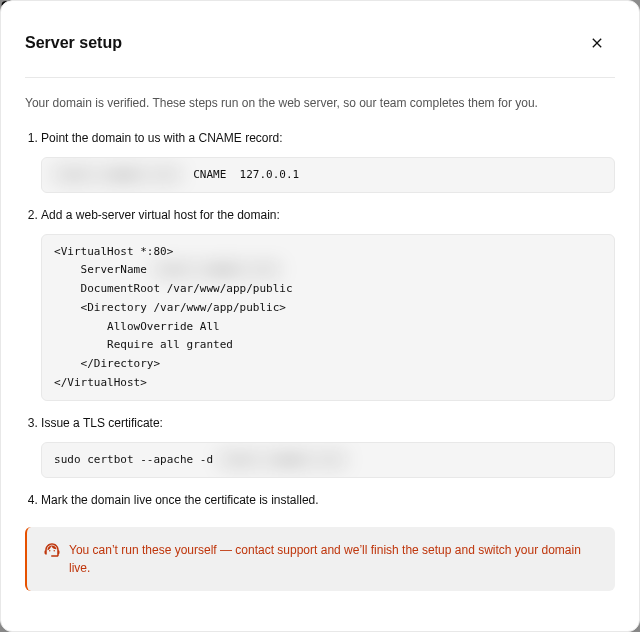 DNS may take time to update. Mailix does not display a fixed timeframe, so try verification again later if the change has not been detected.
Verify and activate the domain
Select Verify DNS. Possible statuses include:
| Status | Meaning |
|---|---|
| Pending verification | The CNAME record has not been confirmed. |
| Verification failed | The current DNS value does not match. |
| Awaiting setup | DNS is correct, but the domain is not ready to serve the page. |
| Live | The domain and secure connection are ready. |
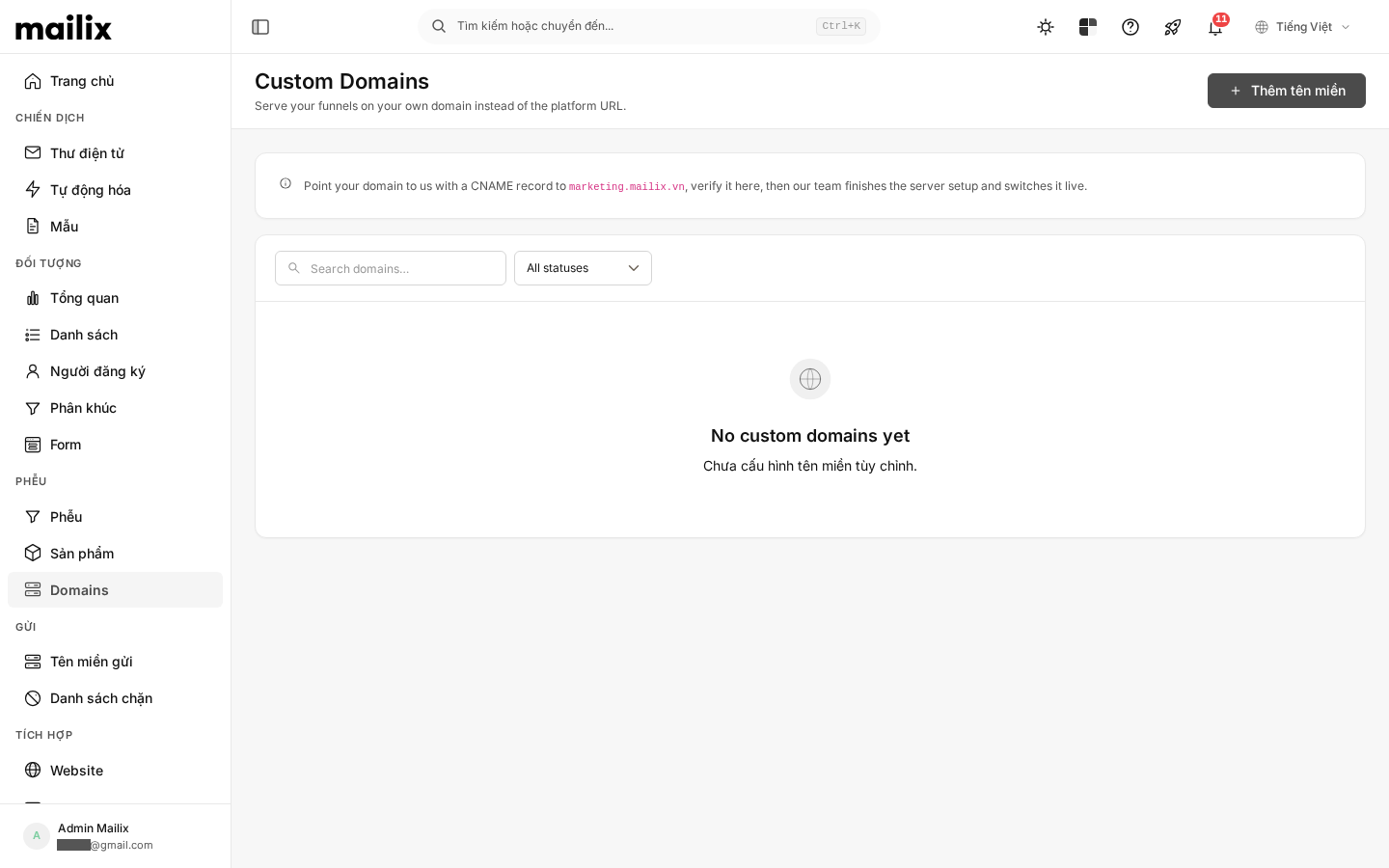 Successful DNS verification does not mean that the domain can be used immediately. After this step, the operations team must complete the server and security-certificate setup. Only a domain with Live status is used as the Funnel's public address.
When the domain is not active
Check that:
- you entered the correct subdomain without a path;
- the CNAME points to the displayed target;
- there is no conflicting record with the same name;
- the Funnel is published and has a published step;
- the status is Live, not merely Awaiting setup.
Delete a domain
Important: Deleting a Live domain stops the custom address from serving the Funnel. Links already shared with that domain do not change automatically. The Funnel can still use its default address if it is published.
- Open the domain list.
- Select Delete for the domain you want to remove.
- Confirm.
There is no action for editing a saved domain. If you entered it incorrectly, you must delete it and add it again.