Update your account profile
The profile page contains information about the person who is signed in. This information is different from the business contact details.
Open your profile
Open the account menu, then select Account settings → Profile.
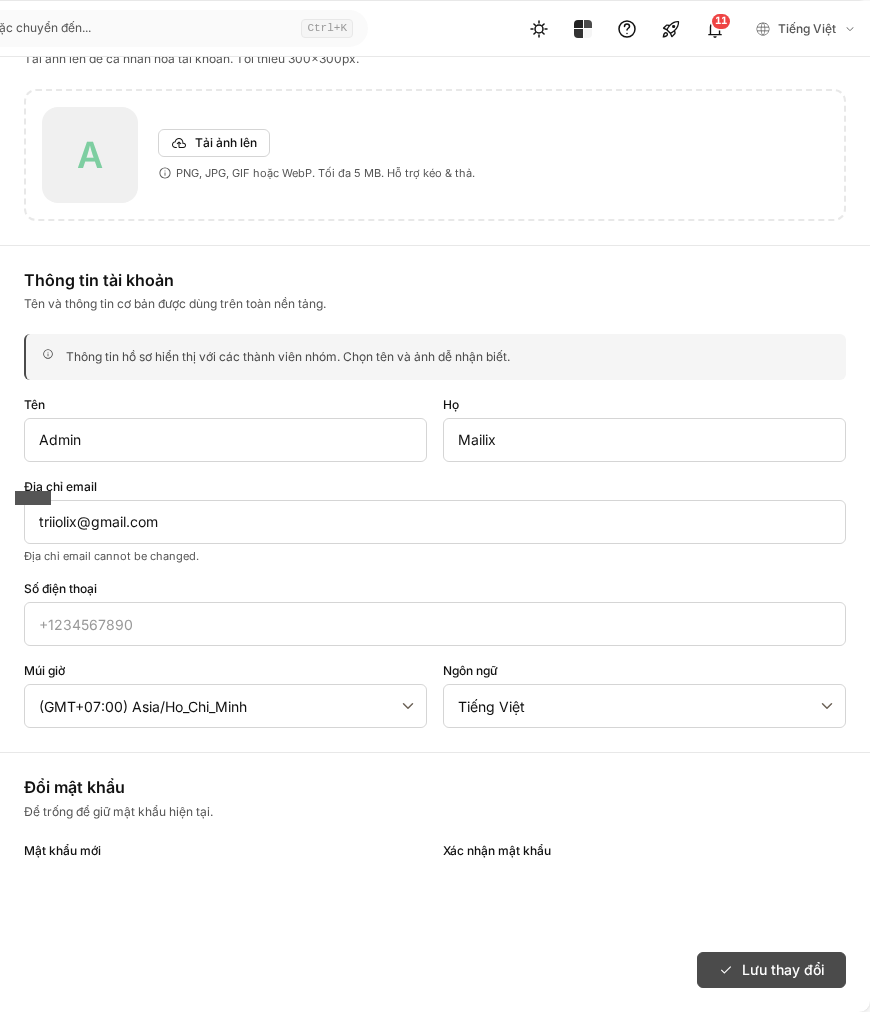
Update your information
You can edit:
- first and last name;
- phone number;
- time zone;
- language;
- new password.
Name, time zone, and language are required. The phone number may become required depending on the account configuration and must use an accepted international format.
The login email address is displayed only and cannot be changed on this page.
- Edit the necessary fields.
- If changing the password, enter and confirm the new password.
- Select Save.
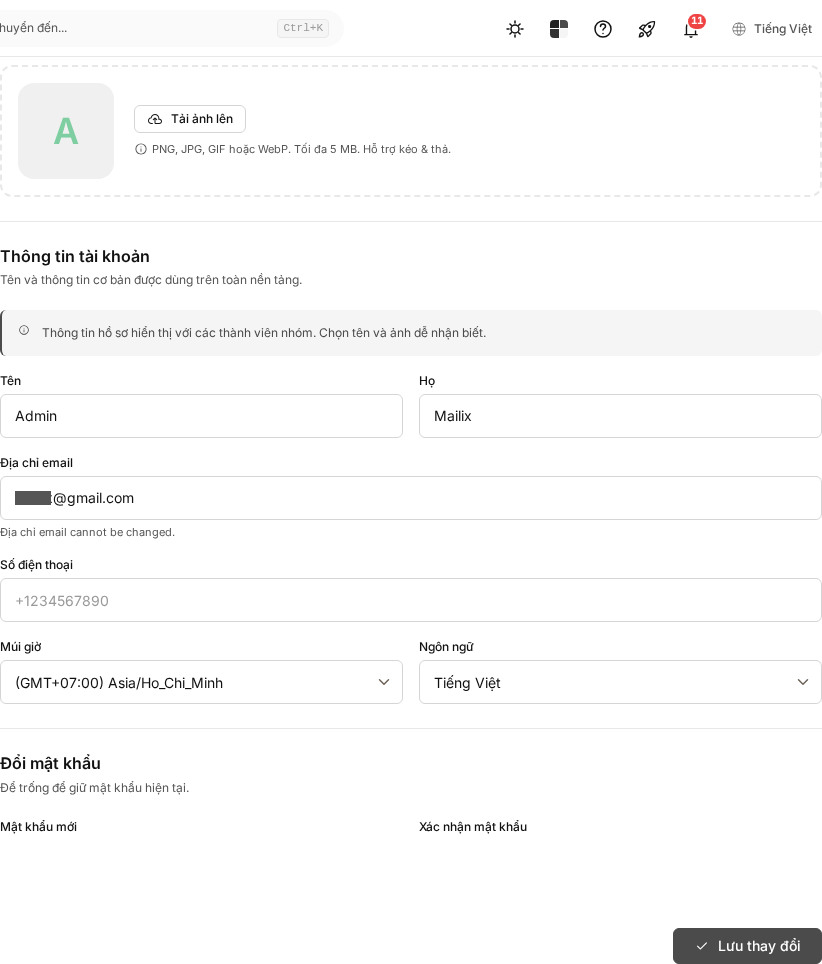 The page does not require your current password before saving a new one. Therefore, lock your device or sign out when it is not in use.
Change your profile picture
Select Upload, choose a PNG, JPEG, GIF, or WebP image up to 5 MB, then confirm. The image is applied immediately; you do not need to select Save for the profile section.
Select Delete next to the image to return to the default profile picture. Image deletion is also applied immediately.
Time zone and language
The time zone affects how times are displayed in the account. The language is saved at the customer-account level, so changing it may affect the interface for members who share the account, not only the person currently signed in.