Change the interface language
You can switch the interface to a language provided by the system.
Open the language list
Open Account settings → Language. The page displays only active languages.
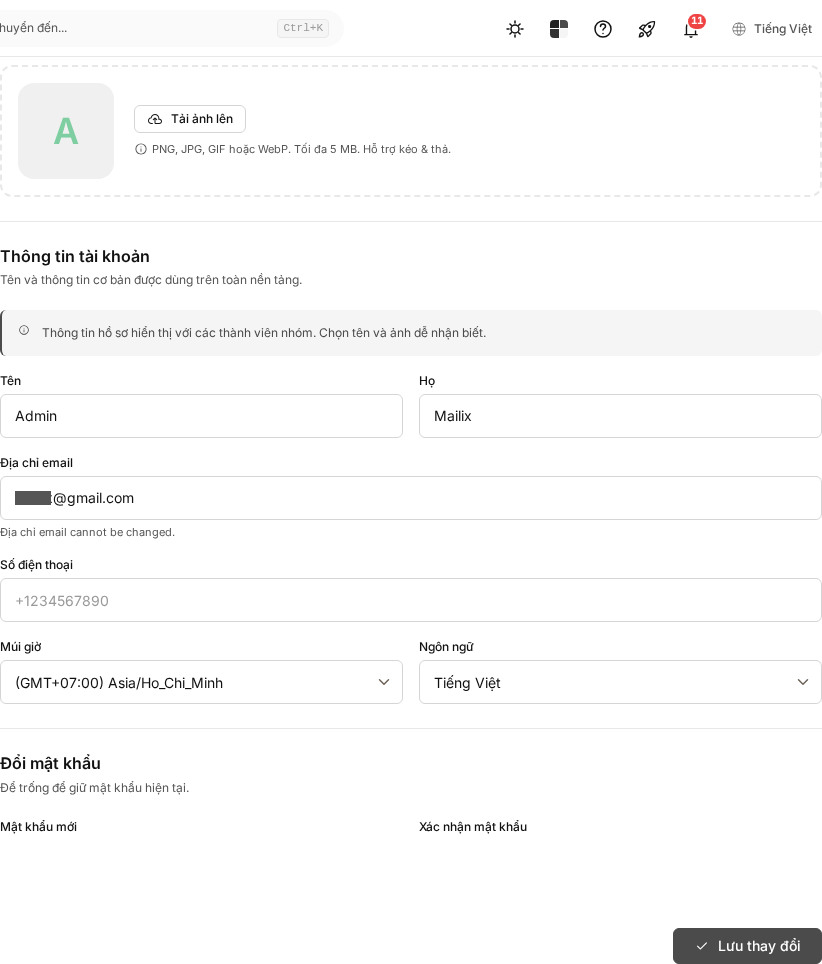
Select a language
- Find the language you want to use.
- Select that language.
- Wait for the success message and for the interface to reload if necessary.
The change is saved immediately; there is no separate Save button.
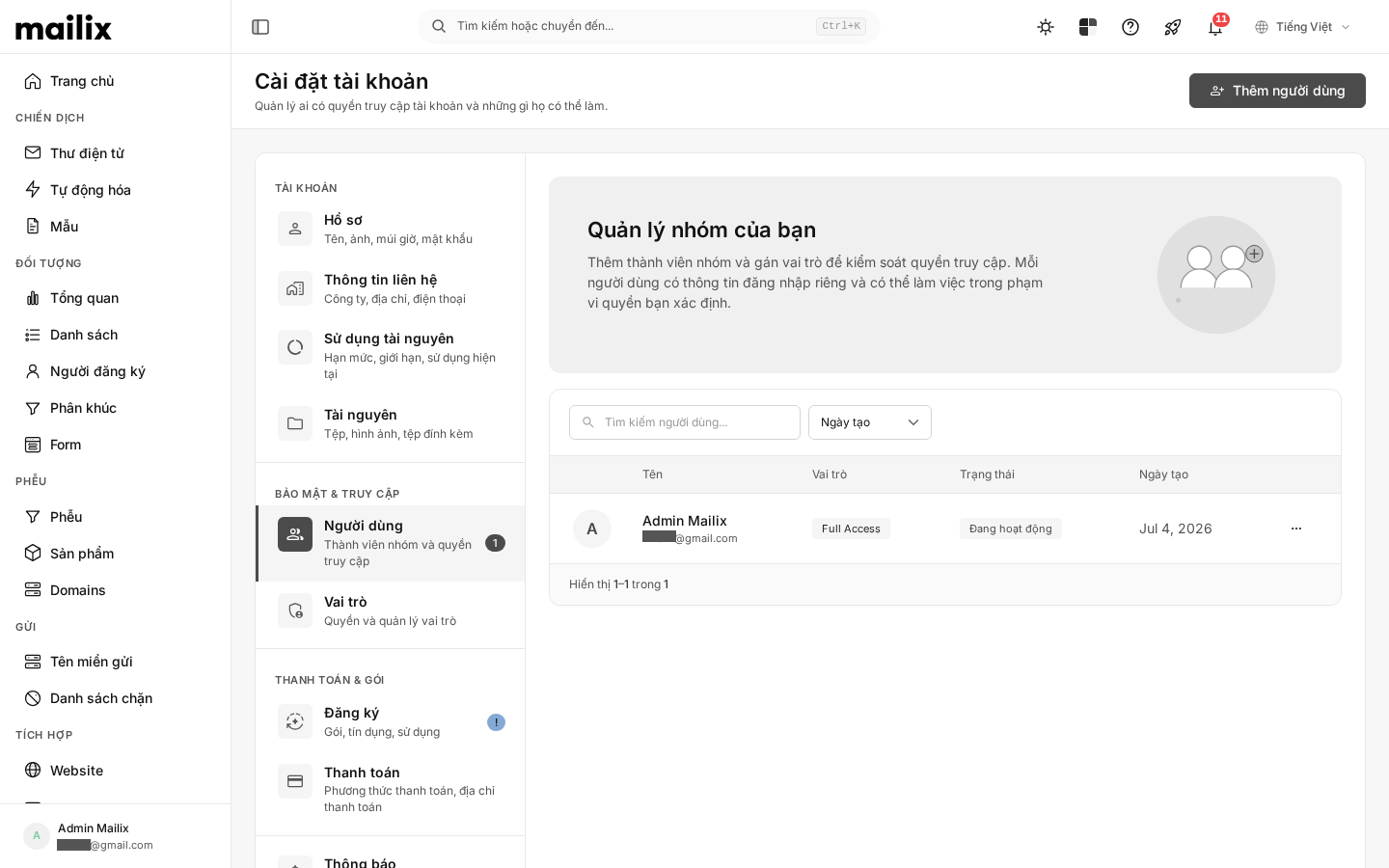 The language is saved for the customer account. If multiple members share an account, the new selection may affect their interface. This is not a separate language option for each Campaign or email.
When the required language is not visible
That language may not be enabled. You cannot add a new language from this page. Some labels that have not been fully translated may still appear in English.