Monitor quotas and credits
The Resource usage page shows how much the account has used compared with the entitlements of its current plan.
Open the usage page
Open Account settings → Resource usage.
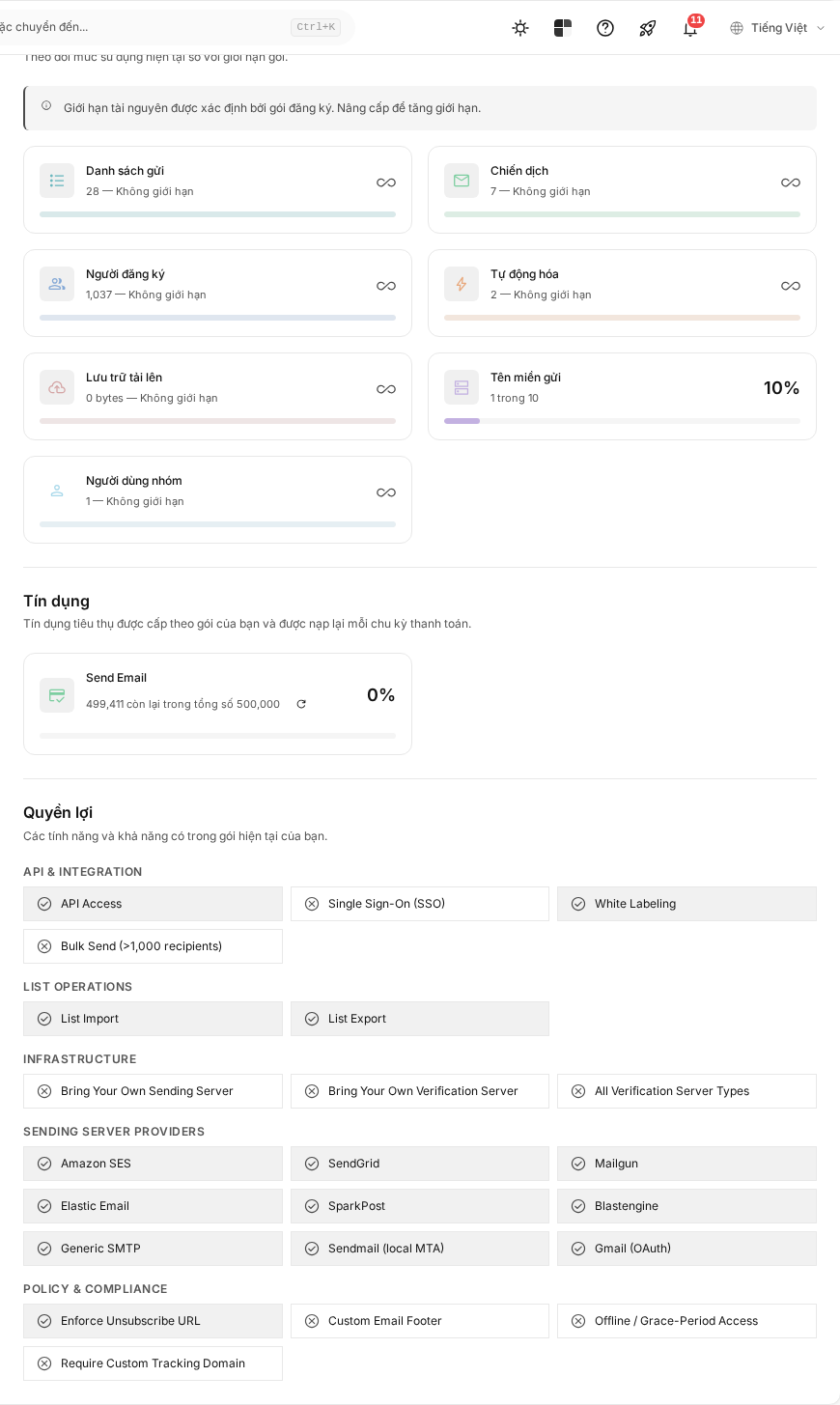
Resource quotas
Quotas may include:
- Lists;
- Campaigns;
- Subscribers;
- Automations;
- uploaded file storage;
- Sending Domains;
- team members.
Each card shows the amount used and the limit. Unlimited means the current plan does not set a ceiling for that resource. A resource that is not included is different from an unlimited resource.
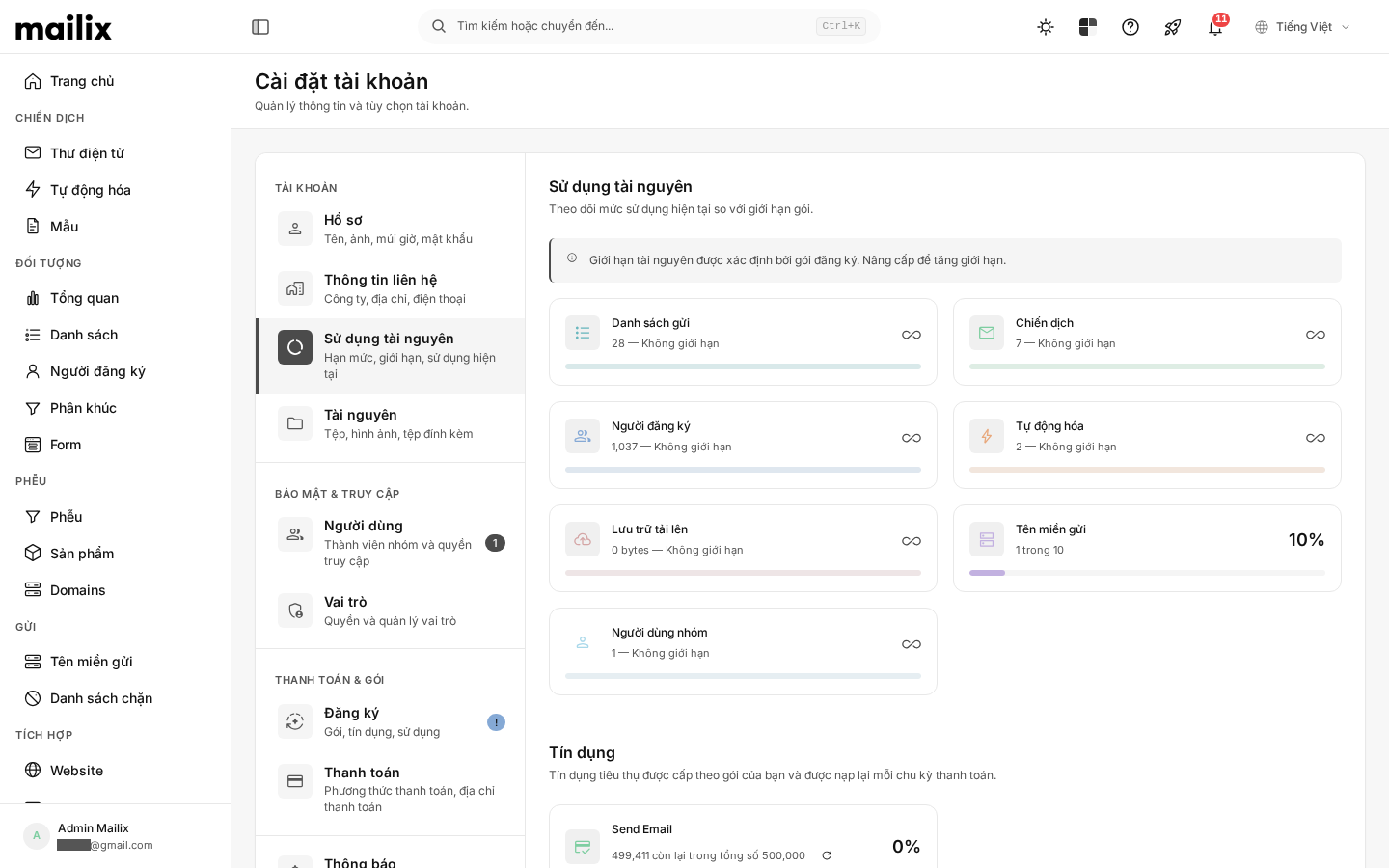 Some large figures, such as total Subscribers, may be aggregated in advance and do not necessarily change immediately after each action.
Credits
Credits are units of usage granted by cycle, such as sending or email verification credits. The page displays the amount used, remaining, and total granted for the current cycle.
Credits are not the same as resource quantity quotas. Purchasing additional credits does not automatically increase List, member, or storage limits.
If a refresh icon is available, you can select it to synchronize the remaining credit count. The most recent synchronization time is displayed when data is available.
Features and rate limits
The page may display:
- features that are or are not enabled for the plan;
- limits on the number of actions within a period of time.
Values depend on the current plan and configuration, so do not use a fixed number taken from another account.
When you reach a limit
Mailix may prevent you from creating more resources or using the related feature. You can delete data that is no longer needed, wait for the next credit cycle when appropriate, purchase offered additional credits, or change plans.