Update contact information
Contact information describes the person or business that owns the account. It is separate from the login profile and the address used on invoices.
Open the Contact information page
Open Account settings → Contact information.
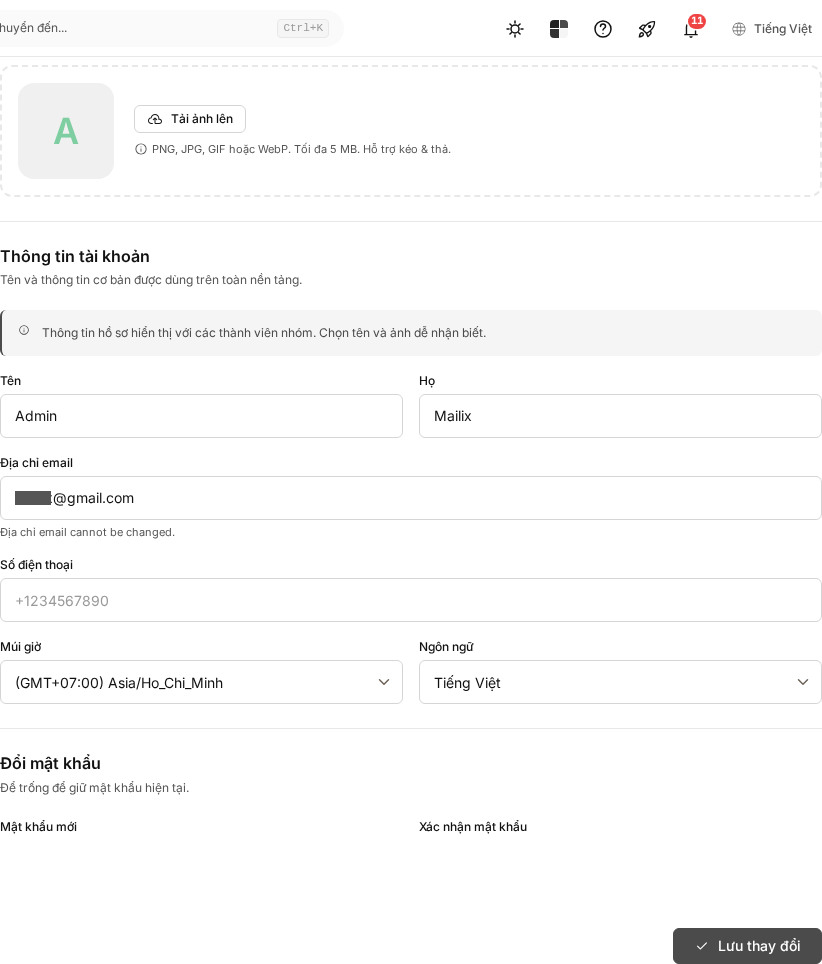
Information you can update
This page includes:
- first name, last name, and company name;
- phone number and contact email;
- address, additional address, city, province or state, postal code, and country;
- website address;
- tax ID and additional billing address details when needed.
Required fields are marked on the form. The contact email does not change the login email.
Save changes
- Update the necessary fields.
- Select the correct country.
- Select Save.
Mailix checks the format and required fields before saving. If there is an error, correct the highlighted field and try again.
Contact information and billing information
The two areas are saved separately. When editing the billing address, you can choose to copy it from the contact information; later changes on the contact page do not automatically synchronize the saved billing address again.
Tax information is printed on an invoice only when entered in the appropriate billing area. Entering a tax ID does not automatically verify its validity or create a VAT invoice.