Read Automation email reports
The report belongs to a specific SEND EMAIL step, not an aggregate metric for the entire Automation.
Open an Email step report
- Open the Automation you want to view.
- Open the Subscribers area.
- Under Node performance, select the SEND EMAIL step.
- Select View details.
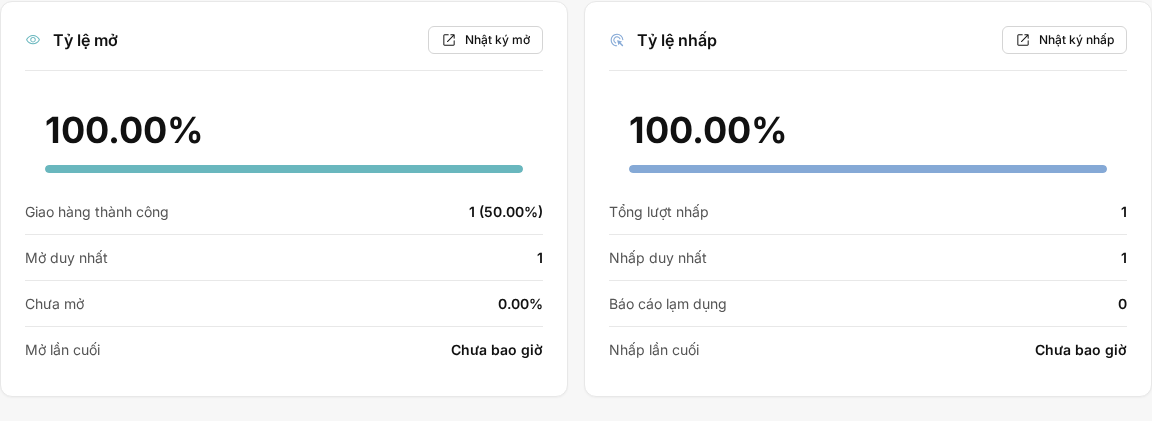
The link appears only when the step is associated with an Email and you have permission to view the Automation.
Metrics and data
The report may display Recipients, Delivered, Failed, Opened, Clicked, Bounces, Unsubscribes, and Complaints. Rates are calculated using the corresponding denominator for each metric; each Subscriber is counted once in unique metrics.

Open, click, and bounce logs and maps display only the events actually recorded by the Email step. Disabling tracking for new emails does not delete older events.
Analysis and logs
In the Analysis tab, use the search box and status or engagement filters if they appear, then sort the list. The Open log, Click log, and Bounce log have separate pagination; Open map and Click map contain data only when events have valid locations.
The aggregate cards and Delivered/Failed counts use the most recently calculated data. Select the refresh action when recalculation is needed, then reload the page after it finishes. Logs read the available data when the page opens, so they may update before the aggregate cards.
When an Automation is paused or reprocessed
Pausing does not automatically delete the report. Retry reprocesses Failed items according to the flow mechanism; Move on requests processing of the current step. Only sending results change the figures.
Delete data
Important: Deleting a trigger or a SEND EMAIL step may delete related runs and report data. This is not a way to reset the report to test sending again.
When the report is zero or has no data
Check that the SEND EMAIL step has an Email, Subscribers have reached the step, the sending attempt has produced a result, and the aggregate data has been refreshed. Filters under Analysis may also exclude all results.
The Automation email report currently has no verified CSV export, log download, or .eml download action for viewers. Do not apply the download action from Campaign reports.